Security systems in Miami, planned after we walk your property
Every job follows the same path: a site visit, a quote, installation, programming and support afterward. The steps are in How installation works.
CameraSecure Miami installs and programs security systems for homes and businesses in Miami and South Florida. Each service below covers what it is, who it suits, what the installation includes and what happens after we leave. If you want to know who does the work first, read about our team.
On this page
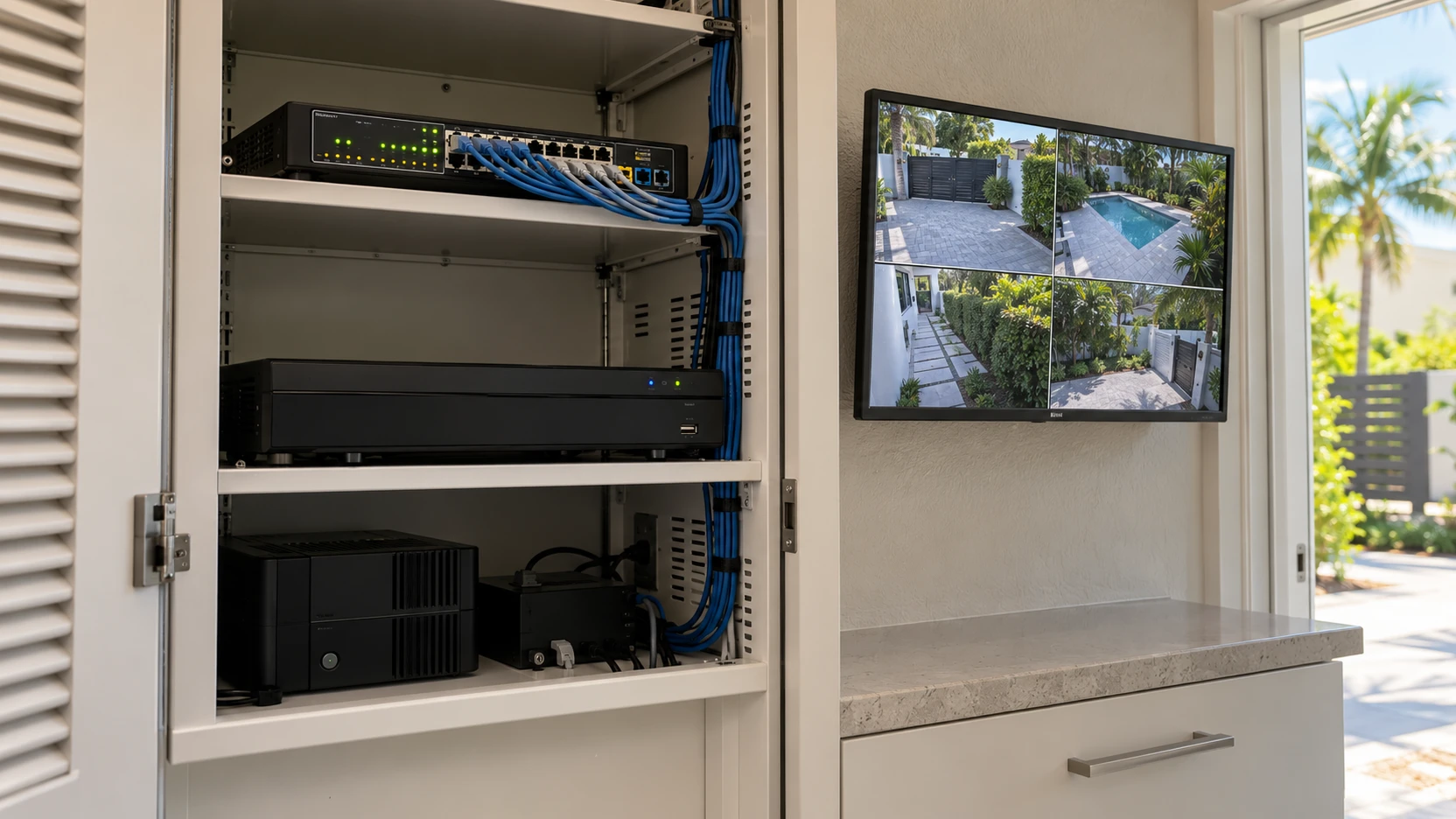
Home and Business Security Systems in Miami
A security system is the cameras, recorder, network and devices working together, and you check them from your phone. We plan it around the property: the entrances, the areas you need to see, and how you’ll use it day to day.
Who it’s for
- Homeowners who want to see the driveway, the front door and the side gate from their phone.
- Small businesses that need to watch the shop floor, the back door, the stockroom or the parking lot.
- Condominiums and HOAs that want cameras in common areas, planned zone by zone.
What the installation includes
- A site visit to review entrances, blind spots, power and cable routes.
- The cameras, recorder and network hardware the design calls for.
- Cable runs, mounting and the network connection.
- Programming and remote access on your phone.
- A walkthrough of the app: live view, recordings and how to share access.
After the installation
We stay available after the job, for questions about the app, a camera you want to add later, or something that stops working.
What a security system does and doesn’t do
A security system records and lets you watch remotely. It does not, by itself, send someone to your property when an alarm goes off. If alarm response is what you need, tell us before you book, so you know exactly what the system covers.
Take a typical small restaurant: cameras on the back door and the storage room, and one covering the dining room, so the owner can check the floor from home. The layout always starts from the site visit, not from a template.
Get a free quote for your system · Questions about installation? Read the FAQ.
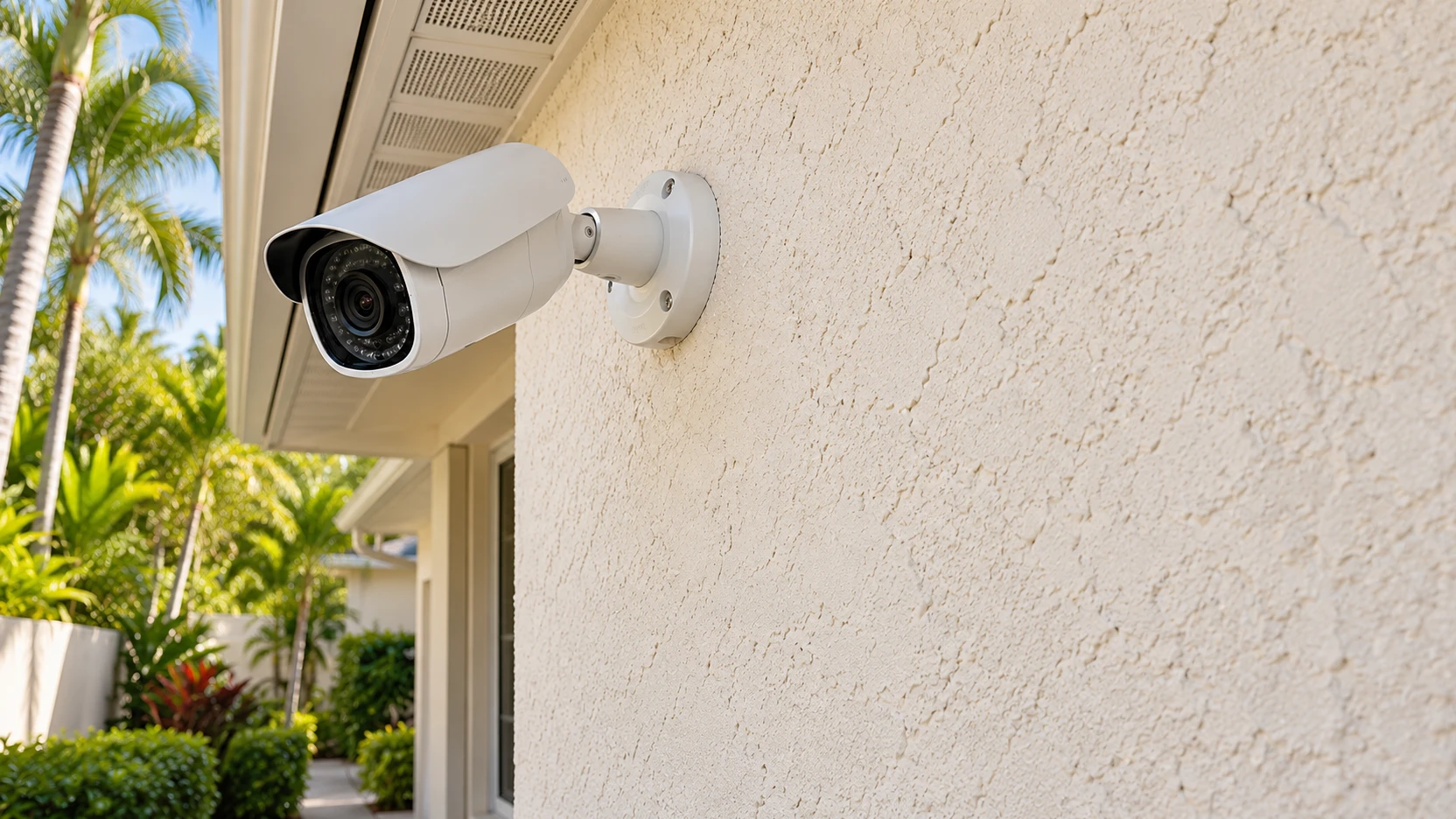
Security Cameras: Installation in Miami
Cameras do most of the work in the systems we install. The right model depends on what you need to see, how far away it is and how much light the area gets at night. These are the main types we install:
Indoor security cameras
For hallways, living rooms, stockrooms and the inside of a shop or office. They’re built for stable indoor conditions, so they don’t belong outside.
Outdoor security cameras
For driveways, entrances, side yards, parking areas and the outside of a building. Outdoor models are rated for weather, so check the rating before you mount one in an exposed spot.
Panoramic security cameras
One device with a wide view of a large open area, such as a parking lot, a yard or a warehouse floor.
Fisheye cameras
A very wide, rounded image from a single point. It suits a whole room, or a ceiling spot that would otherwise need several standard cameras.
Who it’s for
A home with several entrances. A shop or restaurant that needs to watch the floor and the back door. An office with shared spaces. A condo building with parking and common areas.
What the installation includes
- A camera plan: where each camera goes and what its view covers.
- Mounting, cable runs and power, sized for each camera type and distance.
- Connection to the recorder and the network.
- Remote viewing on your phone, with each view checked before we leave.
How we choose the equipment
The model depends on the view you need, the distance to the area and the light at night. We confirm it on the site visit. If you already own cameras, send us the model first, see Install your own equipment.
After the installation
We can adjust angles, add cameras later, and explain how footage is stored and reviewed.
Get a free camera quote · Not sure which type you need? Read which camera do I need.
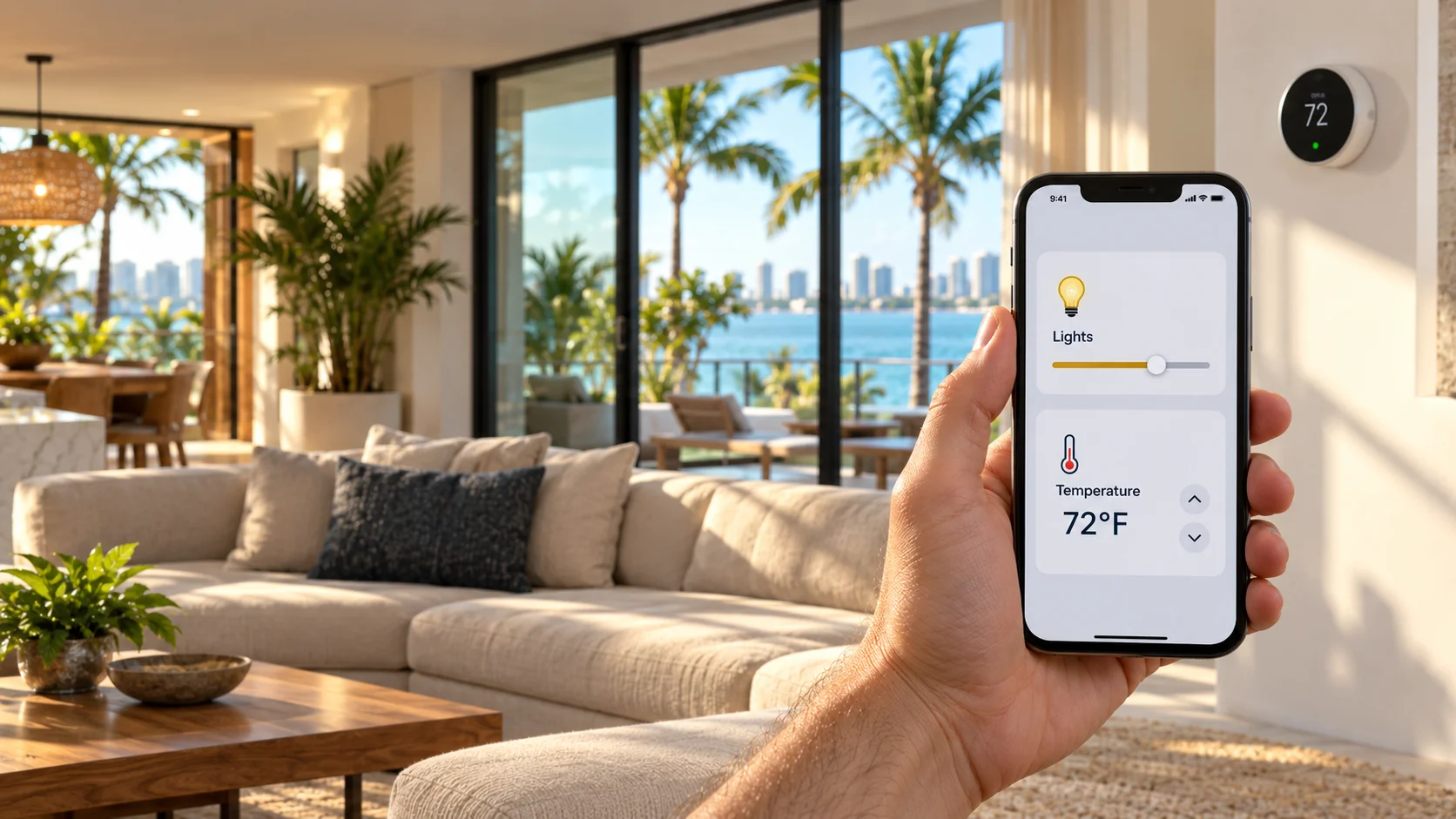
Smart Home Installation and Setup
Smart devices are useful when they work together. A thermostat that ignores your lights, or a lock you can’t see from your phone, adds work instead of saving it. We install and program devices so the main ones answer to your smartphone, so you see and control the property from one place.
What we set up
- Lighting: switches and smart bulbs you can schedule or switch from your phone.
- Thermostats: setup and scheduling, so the house is at the right temperature when you get home.
- Locks: smart locks you can open and check from your phone.
- Audio and video: TVs and monitors controlled from the same app.
Who it’s for
Homeowners whose smart devices don’t talk to each other. Households planning to add devices. Anyone who bought devices online and can’t get them working.
What the installation includes
- A review of the devices already in the home and how they connect to your network.
- Setup and programming of each device.
- Grouping in one app, with remote control from your phone.
- A short walkthrough of schedules and automations, so you can change them yourself.
After the installation
If a device drops off the network, or you change your router or internet provider, we can help you reconnect it.
Tell us which devices you have and we’ll tell you what we can set up. Questions about setup? Read the FAQ.
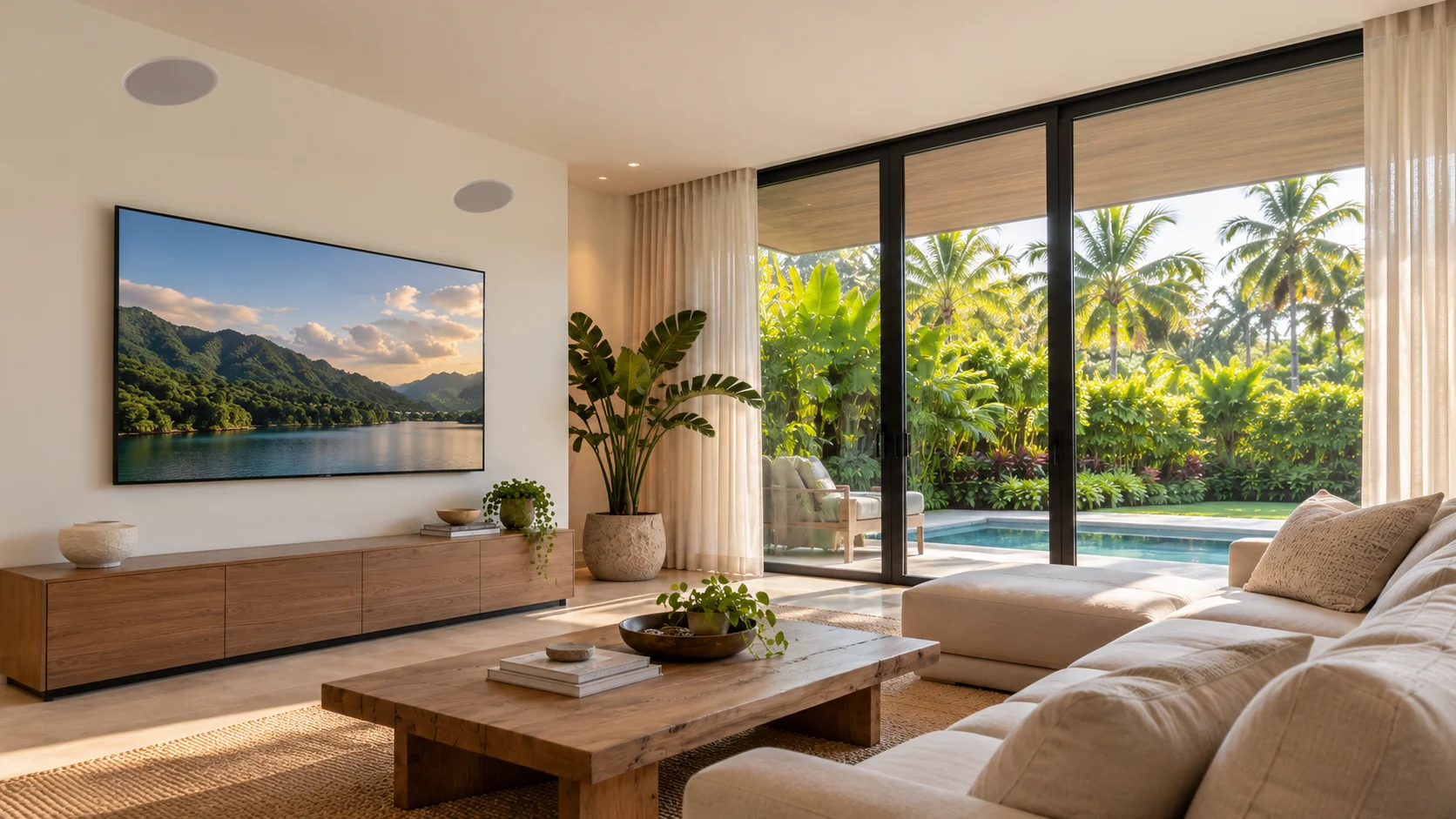
Audio and Video Systems
Think of an announcement that carries over a restaurant’s dining room, background music on ceiling speakers, or a TV mounted and set up properly in a living room. We install ceiling speakers, smart TVs and touchscreen monitors for homes and commercial spaces.
Audio and video complement the security work. For a dedicated high-end sound project, tell us what you need and we’ll say whether we’re the right team.
Who it’s for
- Restaurants and bars that want background music or announcements on ceiling speakers.
- Offices and waiting areas that need a display or a touchscreen monitor.
- Homes that want speakers in living areas and a TV mounted and set up for streaming.
What the installation includes
- A speaker layout for each room, with the ceiling positions planned.
- Speaker mounting and cable routing to the sound system.
- TV and monitor mounting, with cables hidden where the wall allows.
- Source setup: streaming accounts, apps, updates and the link to the sound system.
After the installation
We can adjust volume by zone, add a display later, and troubleshoot a speaker or screen that stops working.
Tell us the room and what you want to play or show. Questions about installation? Read the FAQ.
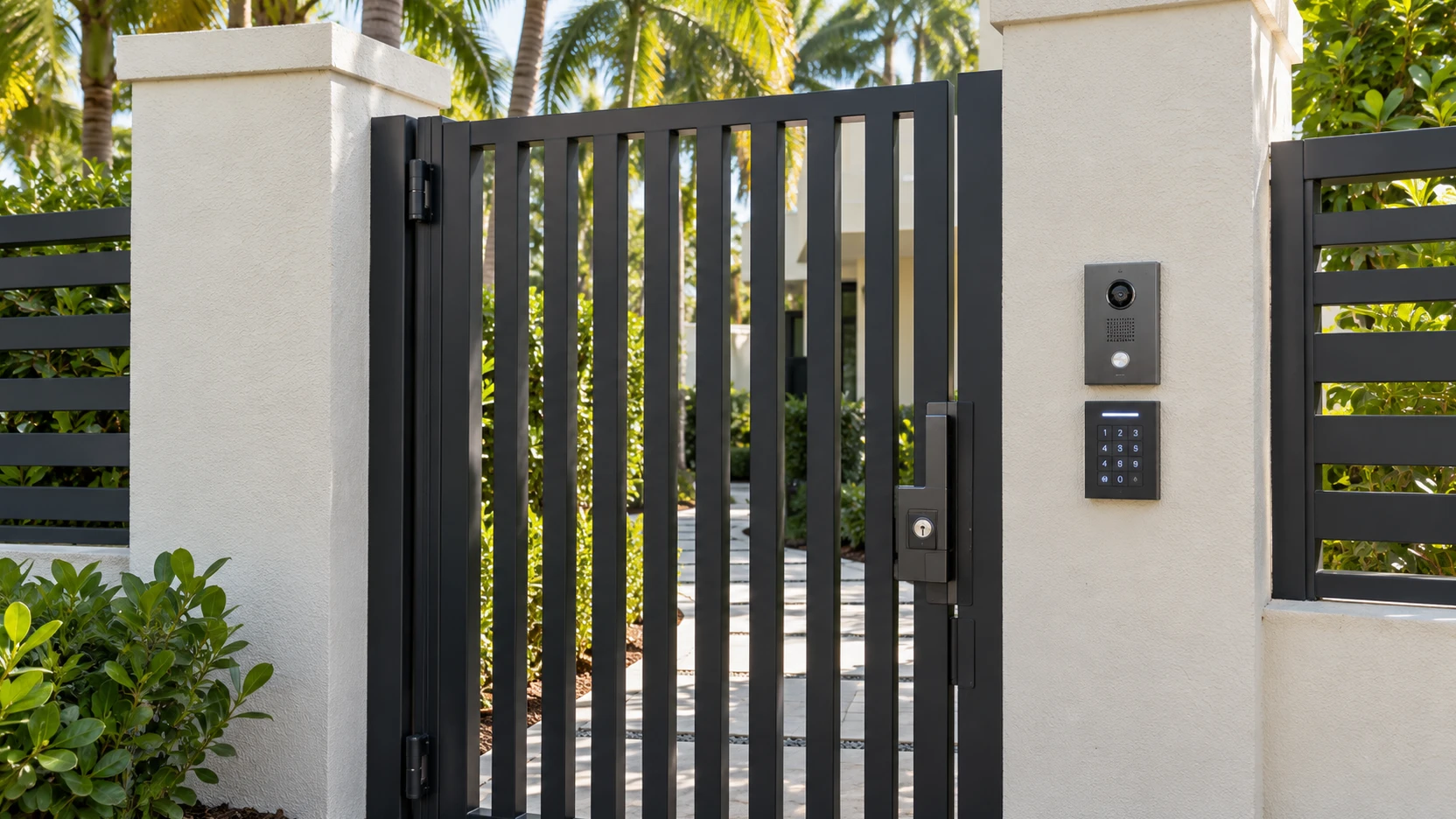
Access Control Systems in Miami
Access control decides who gets in, and when. We install gate intercoms, keypads, fingerprint readers, keycard systems and keyless locks for homes, offices and residential buildings.
Options we install
- Gate intercoms: visitors call from the gate or entrance, and you open it from inside.
- Keypads: a code you can change without replacing the lock.
- Fingerprint locks: no keys or cards to lose.
- Keycards: add or remove a card for each person.
- Keyless entry: opens with a code, a card or a phone, depending on the model.
Who it’s for
- Homeowners with a gate, a side entrance or a garage door they want to control.
- Offices and small buildings that want to control staff entry.
- Condominiums and HOAs that need gate and parking access.
What the installation includes
- A review of each entrance and the wiring already in place.
- Mounting the controllers, readers and intercom units.
- Programming each user’s code, card or fingerprint.
- A test of every access point before we leave.
Users and access levels
Each person gets their own code, card or fingerprint, and you can remove one without changing the lock for everyone else.
After the installation
We can add or remove users, replace a lost card or fob, and troubleshoot a gate or lock that stops responding.
Tell us about your gate or entrance and we’ll tell you the options that fit it. Questions? Read the FAQ.
Install Your Own Equipment
Already bought your cameras or smart devices? We can install them. We check the model first, because not every product works with the rest of a system.
How it works
-
1
Send us the model numbers. Brand and model of each device, plus what you want it to do. A photo of the label helps.
-
2
We check compatibility with the recorder, app and network you have or plan to use.
-
3
We tell you what else you need. Mounts, cable, power or a recorder may be required. You get a quote for the installation and anything you still have to buy.
-
4
We install, program and hand over, following the same steps as any other job.
If a product can’t work with your equipment, we’ll tell you before we start, not after.
Send your model numbers on WhatsApp at +1 305-250-8542.
How Installation Works
This is the whole process, from your first message to support after the job.
-
1
Contact us.
Call or message us on WhatsApp, or email info@camerasecuremiami.com. Tell us the property type, the area and what you want to secure.
-
2
Site visit.
We walk the property to check entry points, blind spots, power and network, and where cables can run. We agree on how many cameras or devices you need and where they go.
-
3
Quote.
You get a free, no-obligation quote that lists the equipment and the work. You decide whether to go ahead.
-
4
Installation and cabling.
We mount the equipment, run the cables and check each device. Smaller jobs take less time than whole-property systems.
-
5
Programming and remote access.
We program the system, connect it to your phone and check that you can view or control it before we leave.
-
6
Handover and support.
We walk you through the app and tell you how to get help. We stay available after the job.
Our hours are Monday to Friday, 8:00 AM to 6:00 PM, Saturday 9:00 AM to 5:00 PM, and Sunday closed.
Start with a free quote · Read the installation questions in the FAQ.
Service Area in Miami and South Florida
We serve Miami and South Florida. The areas we list are:
Hollywood and Fort Lauderdale are north of Miami, and the Florida Keys are the furthest out, so ask us about travel before you book a visit.
Not sure we reach your address? Send it to us and we’ll confirm before you book a visit.